Half a Revolution: XR Went 3D, But Input Stayed Flat

.
Written by zeepada | Edited by @syntaxional
Have you ever tried composing a message while wearing a VR headset?
You're hovering over a virtual keyboard, air-pinching one letter at a time: "C-a-n w-e r-e-s-c-h-e-d-u-l-e t-h-e m-e-e-t-i-n-g…" You try to fix a typo, but the cursor flies somewhere you didn't intend. You accidentally tap the wrong button. The keyboard closes. You sigh, pull off the headset, and pick up your phone—or reach for a Bluetooth keyboard.
Is this really… the future?
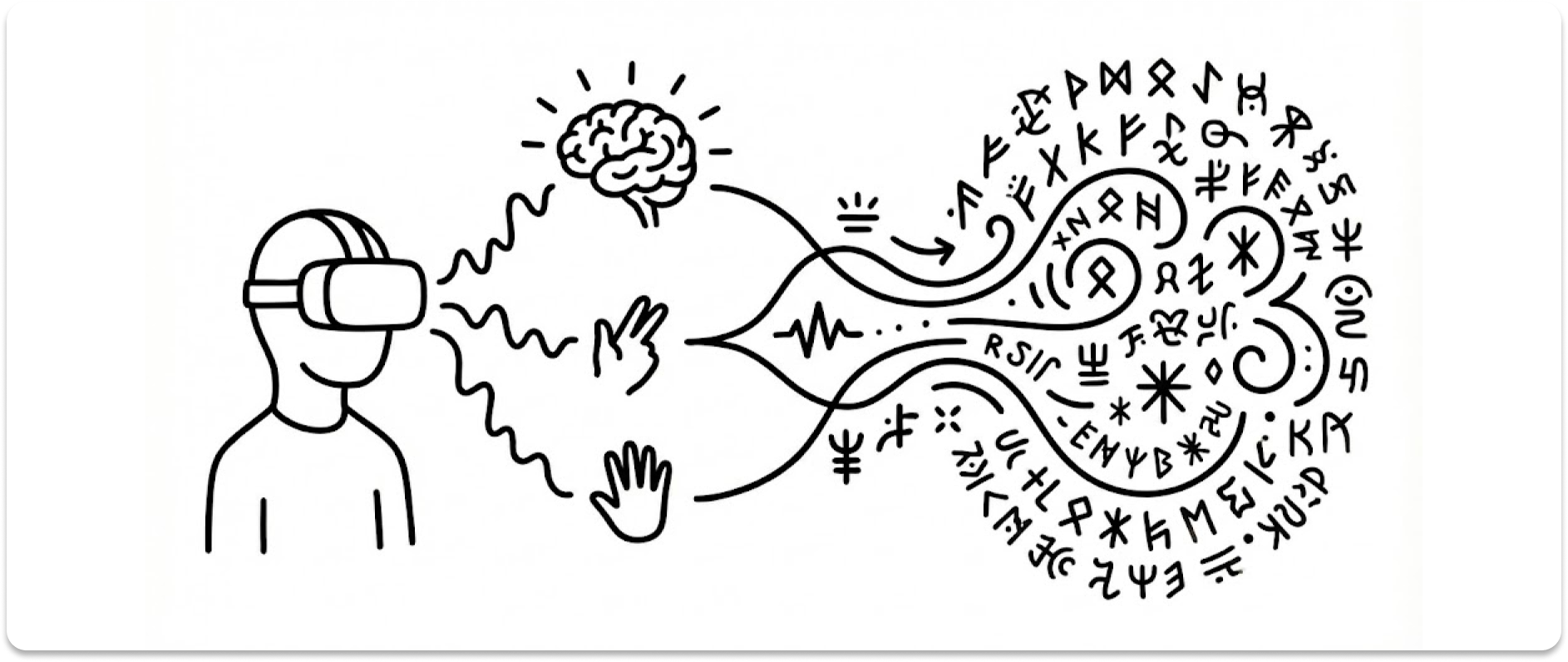
In this piece, we're going to zoom in on one specific UX problem in XR among many: text input.
Why text, of all things? Because we write thousands of words every single day. Emails, messages, search queries, code, notes. Text is the most precise and universal medium of human communication. Audio and video—despite engaging our senses more directly—still can't match the precision and efficiency of written language.
If XR is ever going to become a real productivity tool, it has to solve the problem of fast, accurate text input and editing. And that's exactly why text input is currently XR's weakest link.
1. The Virtual Monitor Paradox
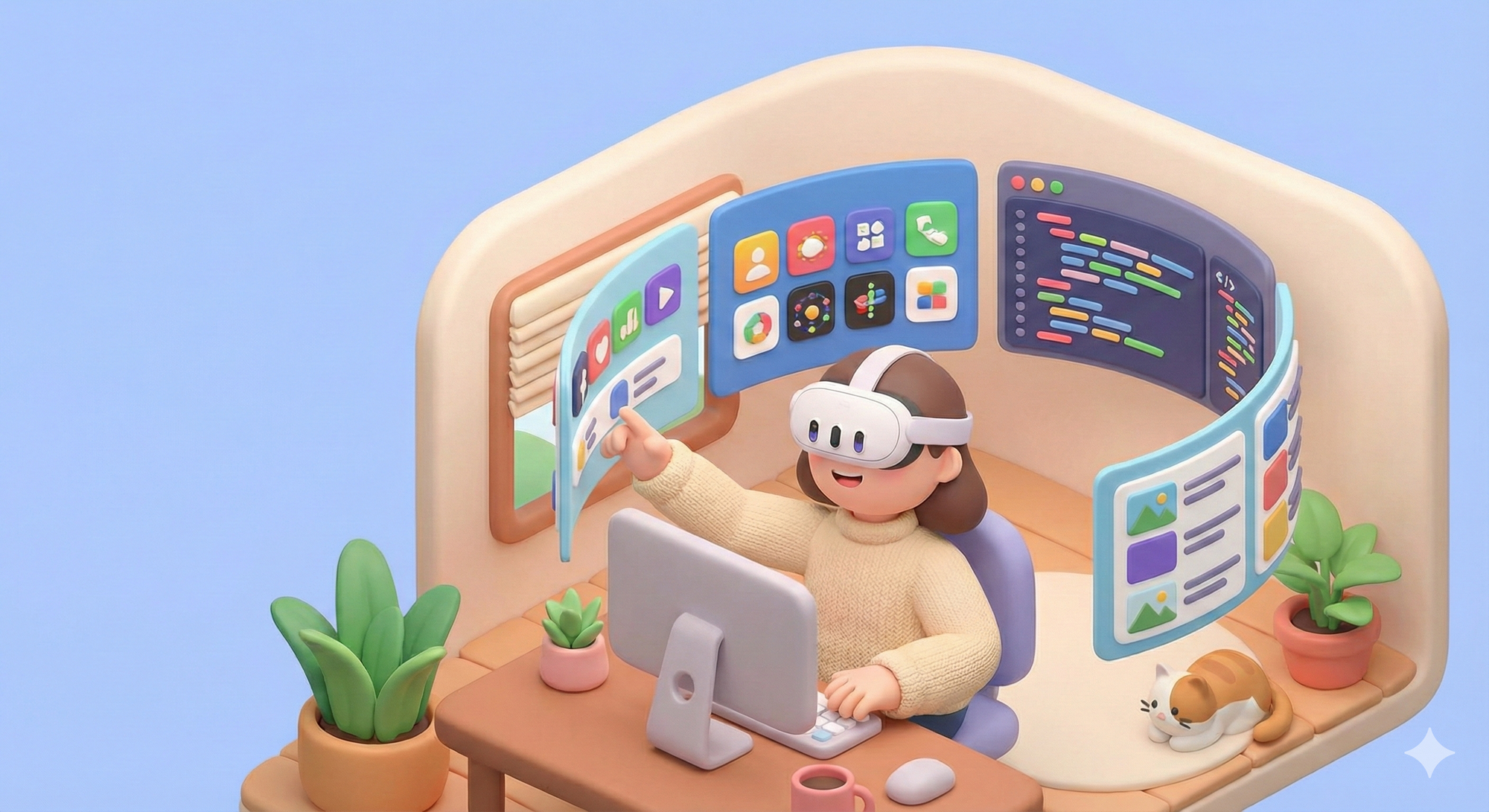
Apple calls the Vision Pro a "spatial computer." Meta markets Quest as a "virtual office." And sure, you can float multiple massive virtual screens in midair and work in an immersive environment. But there's a fundamental contradiction hiding in plain sight.
Output? Absolutely expanded. Instead of a 27-inch monitor, your entire room becomes a canvas. But what about Input? You're still plugging in a physical keyboard and mouse. The actual reality of using a "revolutionary spatial computing device" looks like this: put on a headset, sit at a desk, connect a keyboard and mouse, and open the same desktop apps you always use.
No wonder so many people describe XR headsets as just "a big monitor strapped to your face."
The dimension grew, but input stayed 2D
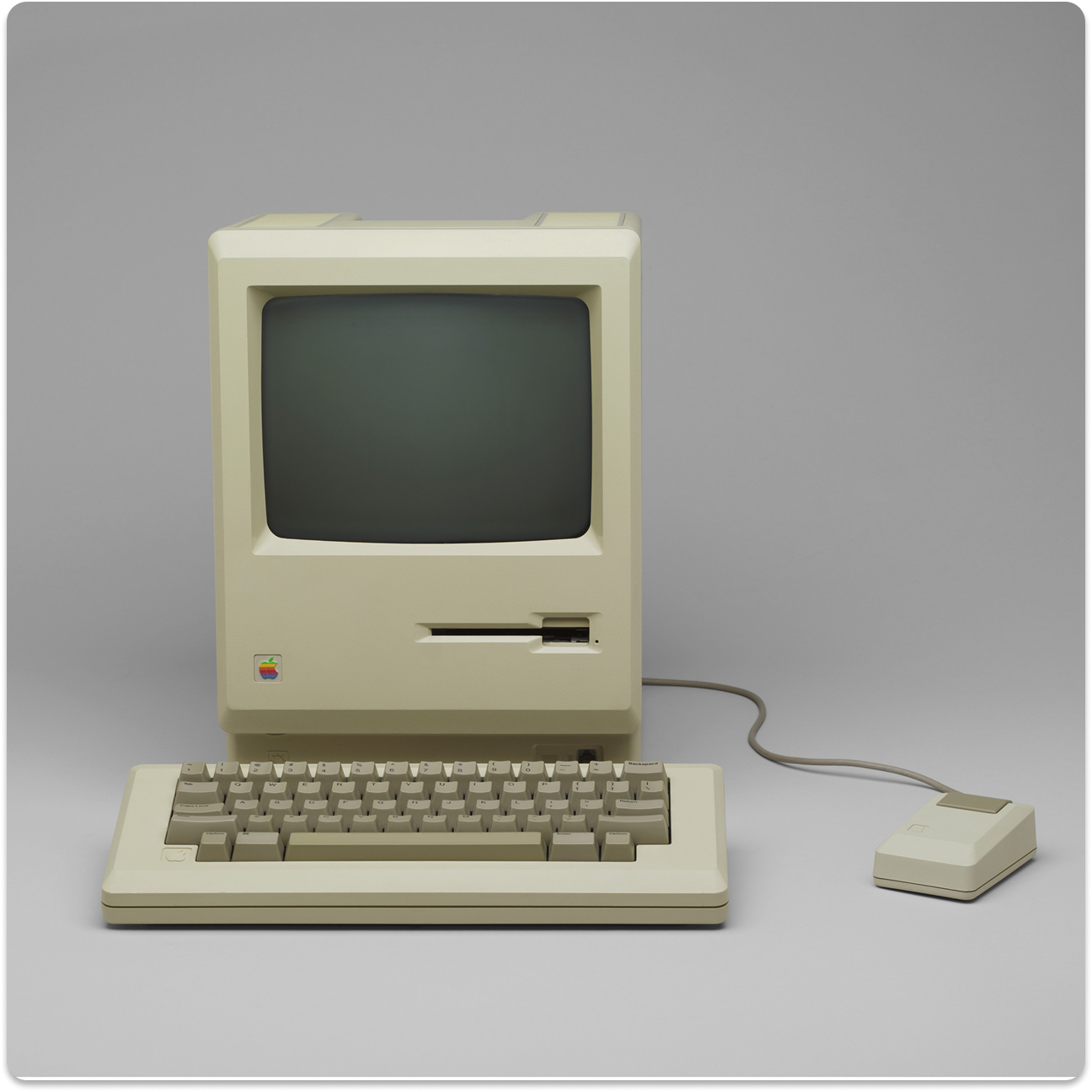
Let's look at the history of digital UX. Keyboards and mice were designed for 2D screens—obviously. Moving a pointer across X-Y coordinates and typing characters sequentially hasn't fundamentally changed since the original Macintosh in 1984. That same paradigm has simply been transplanted into 3D space, and that's what passes for XR UX today.
VR controllers are essentially 6DoF pointers. You aim a laser beam and pull a trigger, a mouse floating in space.
Hand tracking lets you press virtual buttons with your fingertips, which is really just a 3D version of a touchscreen. Gorilla Arm syndrome, first flagged back in the 1980s, rears its head here too.
Virtual keyboards are QWERTY layouts hovering in midair, where you hunt-and-peck one finger at a time. It perfectly recreates the pain of searching YouTube with a TV remote.
These might be the best we have right now. But moving from 2D to 3D isn't just adding another axis. Plenty of researchers already recognize this. What we actually need is to reinvent how humans interact with space itself.
The numbers tell the story
A study presented at CHI 2025—XR TEXT Trove (Bhatia et al., 2025), conducted jointly by the University of Birmingham, University of Copenhagen, Max Planck Institute, Northwestern University, and Google—is the largest-scale meta-analysis of XR text input, systematically examining 176 different techniques.
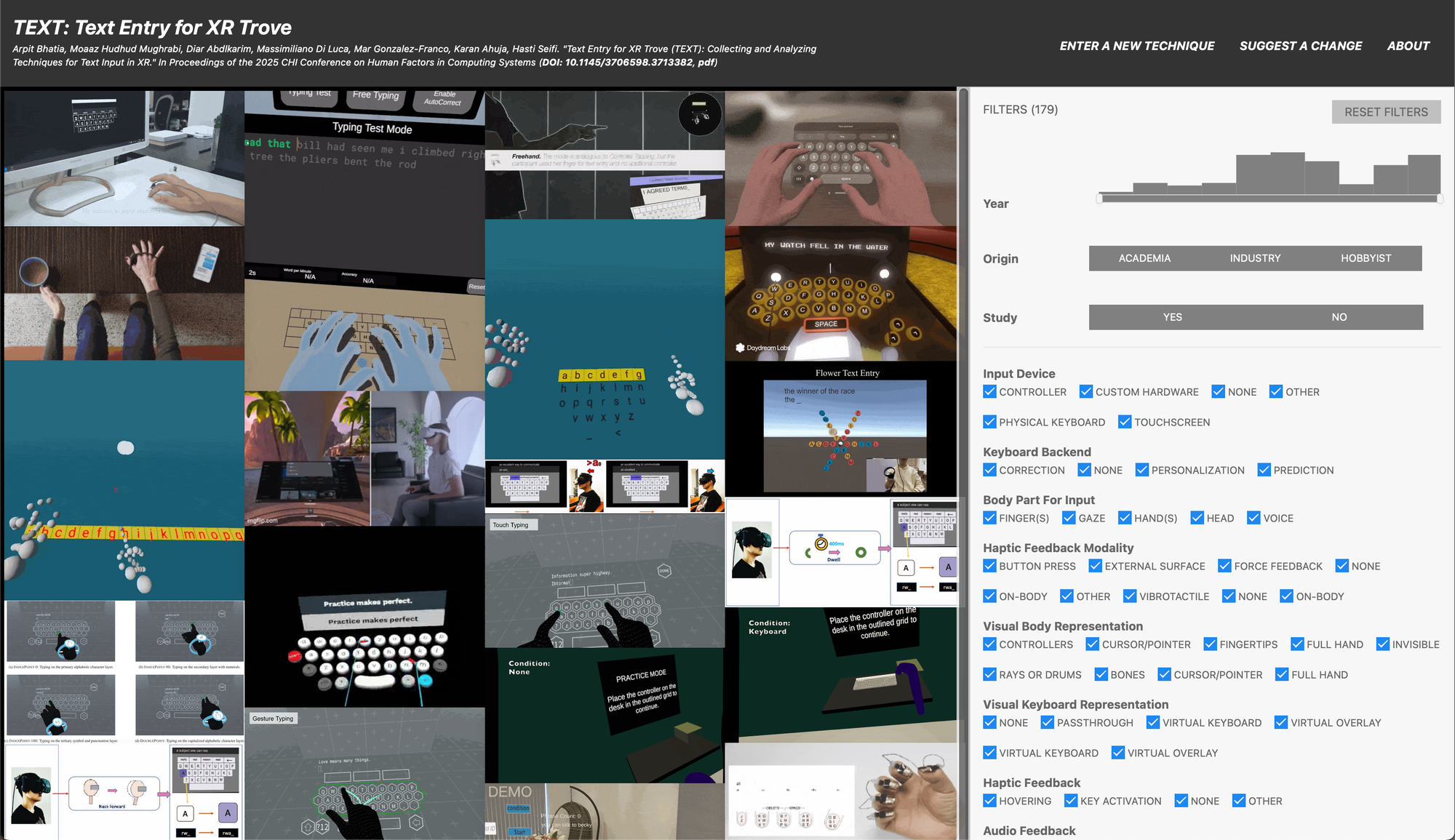
The striking finding: text input speeds in XR environments average around 20 WPM across the board. Whether it's VR or MR, virtual keyboards, controllers, or hand tracking—they all land in roughly the same range. Even the fastest methods top out at less than half the speed of a traditional desktop keyboard (averaging 40–60 WPM, with skilled typists exceeding 80).
In other words, no XR input method has yet surpassed the physical keyboard. For XR devices to make the leap into genuine productivity tools, the entire input technology stack needs to be redesigned from the ground up.
2. The Usual Suspects: Why They're Not Enough
The fundamental limits of hand tracking
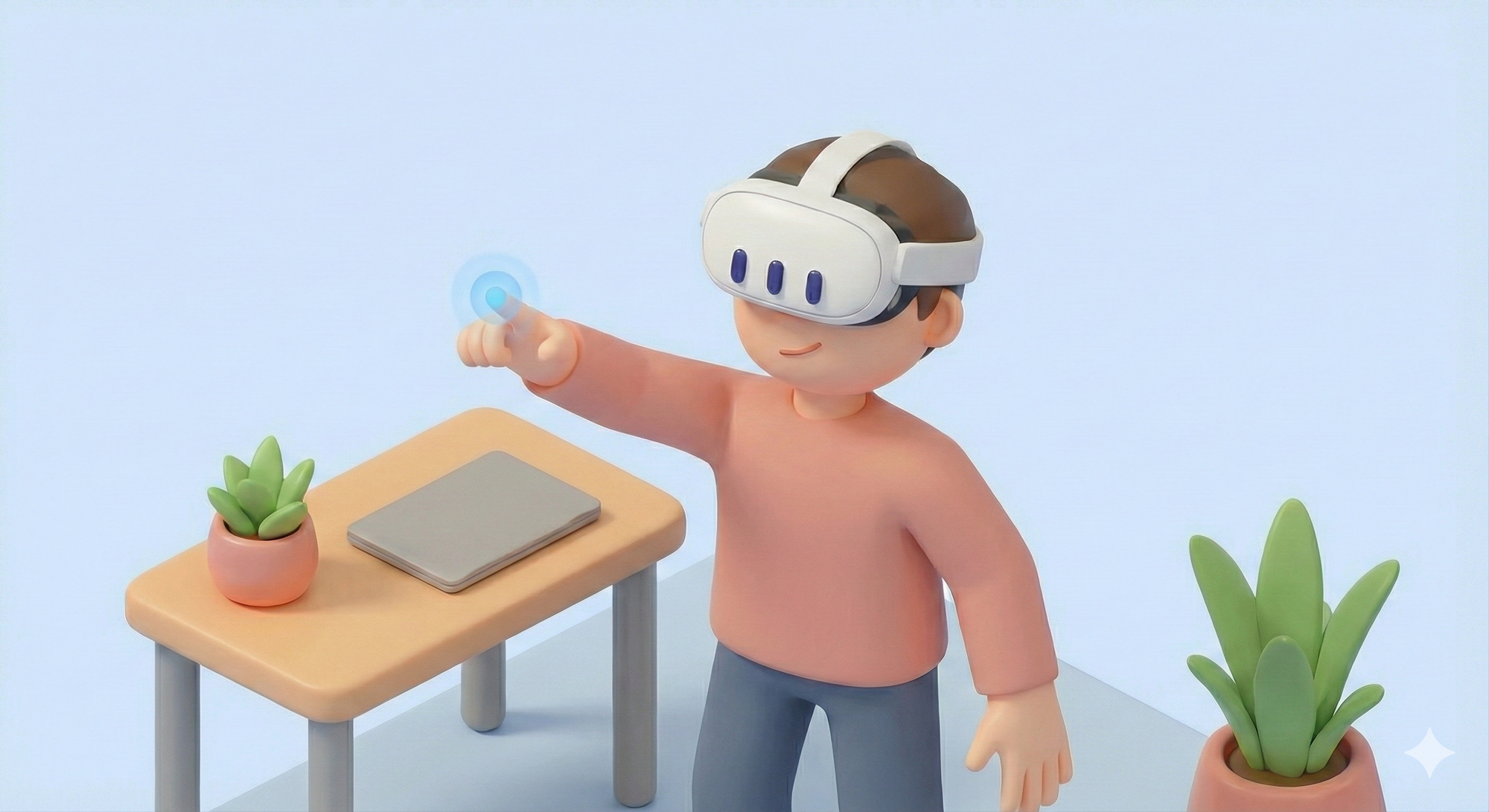
Typing on a virtual keyboard with your bare hands seems like it should work. After all, that's what we do with physical keyboards. But XR keyboards aren't physical, and that's the whole problem.
First, there's the Midas Touch problem. Like King Midas turning everything he touched to gold, unintended inputs fire constantly in hand tracking. Our eyes and hands are always moving, leading to false triggers. Distinguishing between "looking at something" and "selecting something" always requires an extra confirmation gesture.
And even then, there's no click. Physical buttons give you tactile feedback that confirms input. An air pinch in empty space comes with an inherent "did that register?" uncertainty. The physical and mental fatigue that follows is a bonus. Multiple studies have shown that mid-air typing causes significantly more muscle fatigue than typing on a physical surface.
Voice input: not the silver bullet
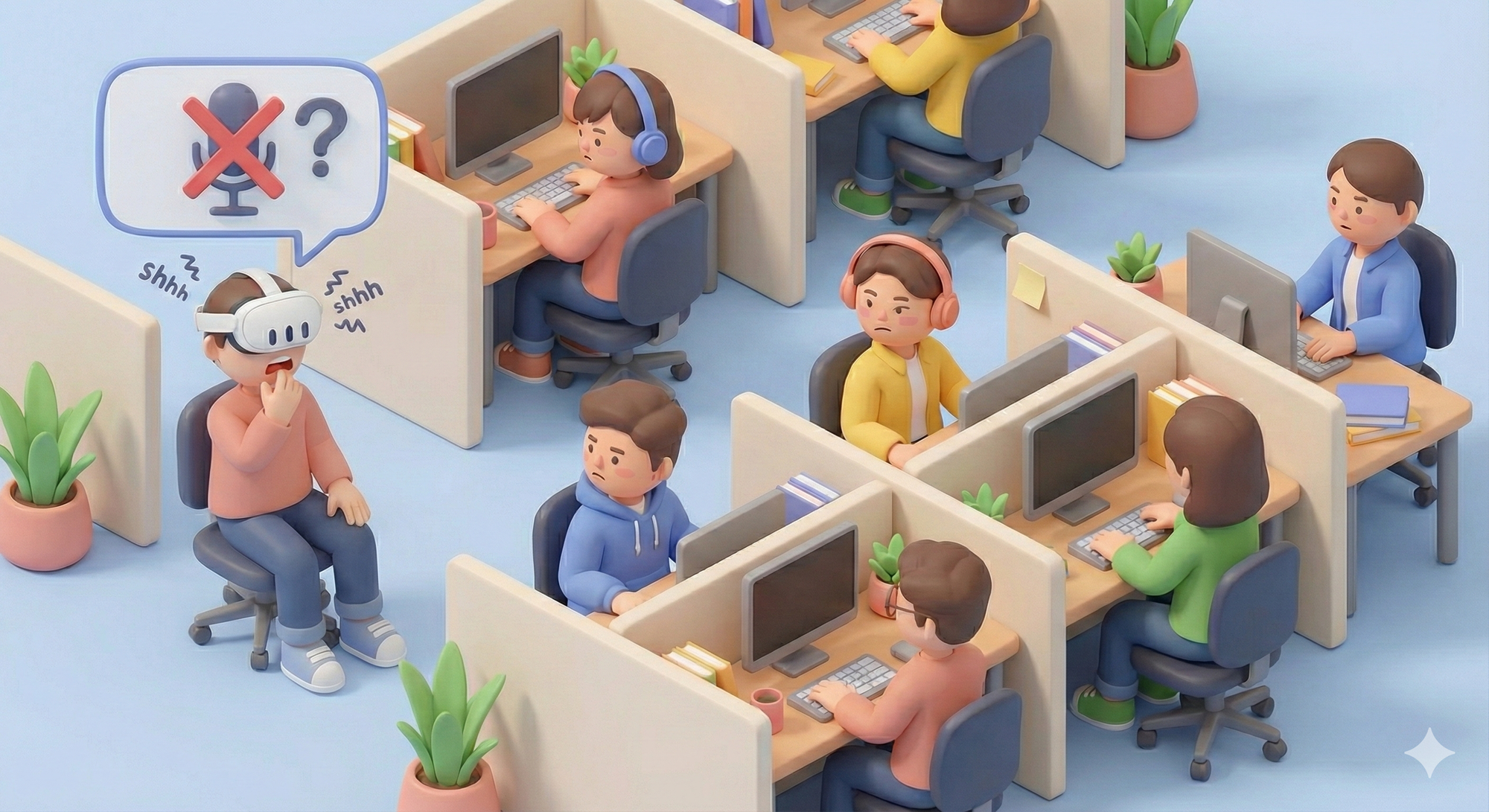
In response, many XR hardware companies have turned to voice as the primary solution. Spoken language is, after all, the oldest form of human communication, and we're getting increasingly comfortable talking to AI. But voice input has its own very real limitations.
Consider the social context. Wearing a headset and talking to yourself in a quiet office or a busy cafe is awkward. Maybe you don't care about the looks. But what about privacy? Can you speak your passwords or sensitive messages out loud? Sure, we can imagine workarounds like biometric authentication. But that's not where the problems end.
Voice is terrible for editing. "Delete the second word of the third sentence, then change the fourth word of the fifth sentence to…" This kind of instruction carries a far higher cognitive load than just moving a cursor. And finally, humans need quiet thought. Writing is the process of refining ideas. Voice forces you to externalize your inner monologue in real time. You could try speaking in formal written prose, but… let's just say that doesn't come naturally.
3. New Possibilities: Reinventing the Input Paradigm
With traditional approaches falling short, several promising directions are emerging as actual products in 2025.
Meta Neural Band: when your muscles do the talking

Announced at Meta Connect in September 2025, the Meta Neural Band uses surface electromyography (sEMG) to detect electrical signals in your muscles before your fingers even move. Zuckerberg called it "a new chapter in computing history." Meta's Thomas Reardon added an important nuance: "This isn't mind control. It reads signals from the part of the brain that controls motor information—not thoughts."
Key features:
- No calibration needed: ML models trained on thousands of users work out of the box without personal setup.
- Micro-gesture recognition: A subtle rub of the thumb and index finger is enough for swipe, tap, and pinch commands.
- Handwriting input: Write with your finger on any surface—a desk, a table, your thigh—and it gets recognized.
TapXR: the return of chording
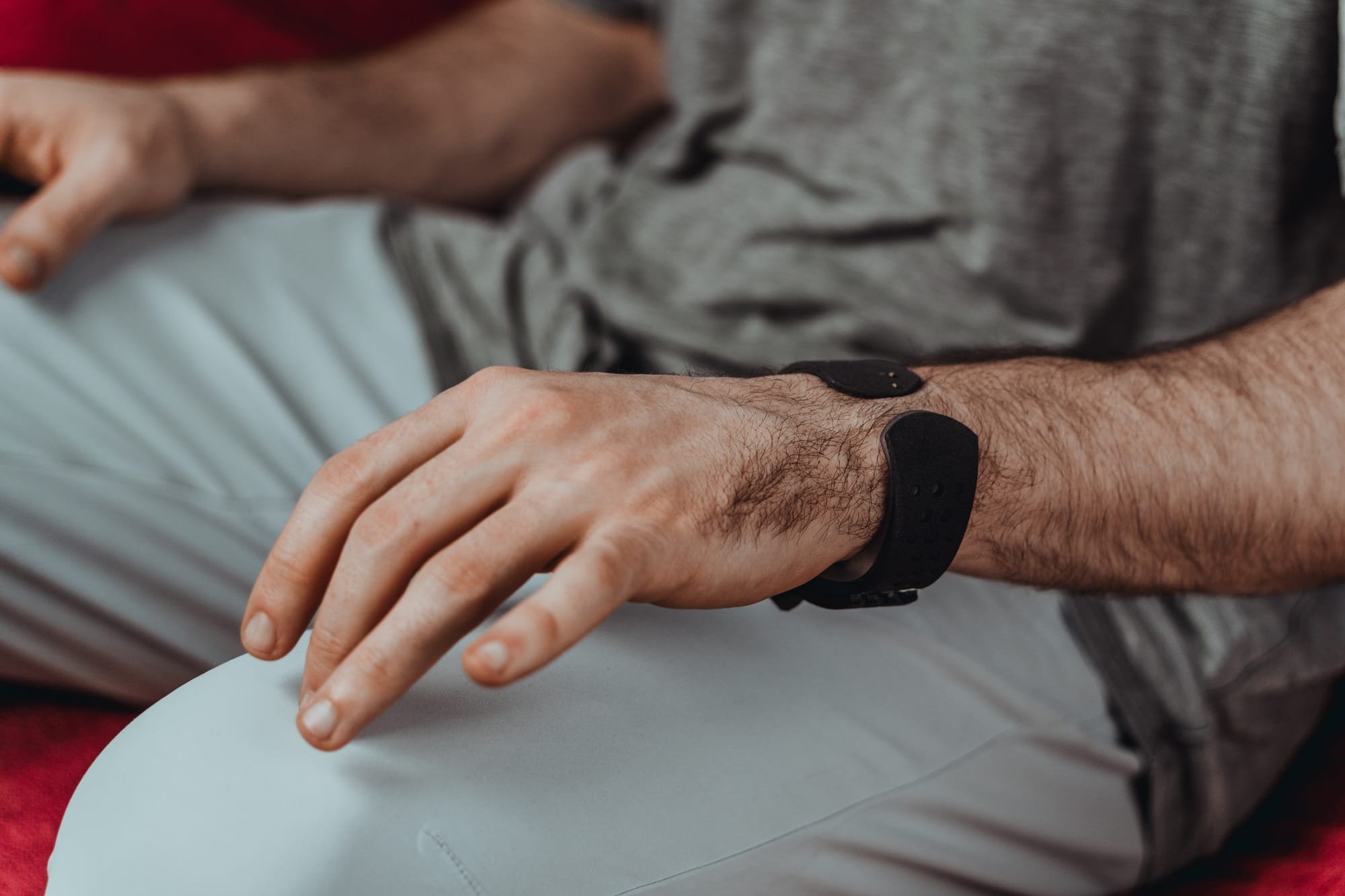
This one takes a completely different approach from EMG. TapXR is a wristband that detects the pattern of your fingers tapping on any surface and converts it to keyboard input. Instead of QWERTY, you type using finger combinations—chords, like playing piano. There's a learning curve, but the manufacturer claims skilled users can hit 70+ WPM with one hand.
Key features:
- Works on any surface: Desks, sofa armrests, your leg—tap anywhere. No more Gorilla Arm.
- Eyes-free input: No need to look at a keyboard. True eyes-free typing.
- 99%+ accuracy: Based on motion patterns, not finger position.
Interestingly, this concept dates back to 1968. It appeared in Douglas Engelbart's legendary "Mother of All Demos," where he demonstrated a five-key chord keyset and described it as "the equivalent of everything a keyboard can do, with one hand."

Given how many of that demo's other UX innovations became mainstream, maybe chording is due for a comeback.
Context-aware AI: reducing the need to type at all
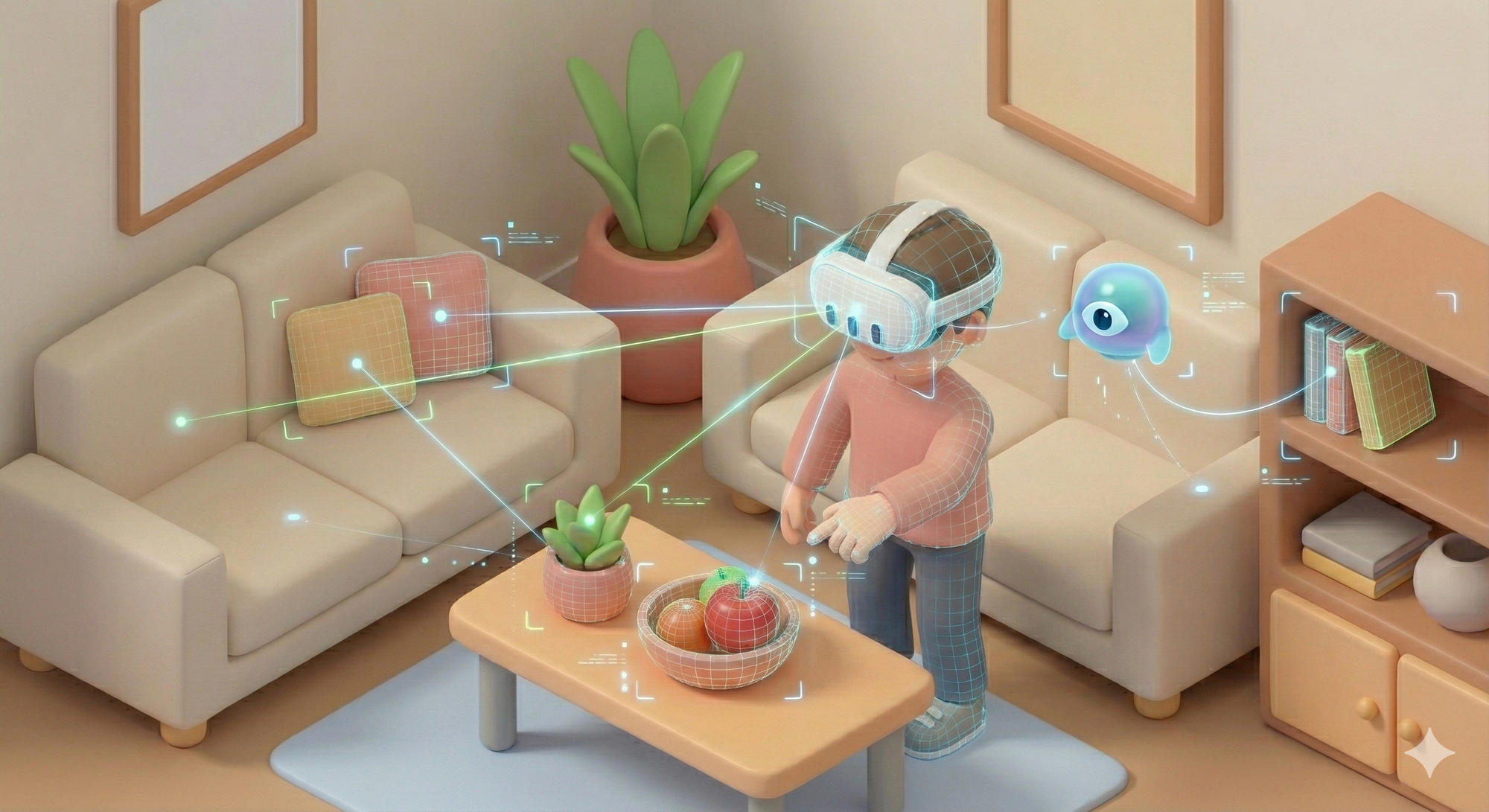
Maybe the real answer isn't "faster typing" but "less typing."
A spatial AI agent that understands your context—what you're looking at, your conversation history, your location, the time—could infer complex commands from minimal input. Say "that thing over there" while glancing at an object, and the AI identifies it through gaze tracking. Instead of complete sentences, you communicate through a combination of cues and intent.
Just as swipe typing revolutionized touch input on smartphones, AI-powered prediction and autocompletion could be the game changer for XR input.
Brain-Computer Interface: the ultimate input?

If EMG reads muscle signals, BCI reads brain signals directly. It's often called the holy grail of XR input—a dimension above every other method—but there's still a gap between reality and expectations.
Non-invasive BCI devices are developing along two tracks. OpenBCI's Galea is a research platform that integrates multiple sensors—EEG, EMG, EDA, PPG—into a VR headset (Varjo Aero). Its EMG sensors can translate subtle facial muscle movements into direct commands; demos have shown users controlling game characters with slight cheek movements. Meanwhile, Neurable's MW75 Neuro headphones (2024) take a passive monitoring approach, using 12-channel EEG in the ear cups to measure focus and cognitive states.
For now, pure non-invasive EEG-based BCI can reliably deliver about 1 bit of information—a simple yes/no confirmation signal. But even that single bit, combined with eye tracking, could solve the Midas Touch problem by separating "looking" from "selecting."
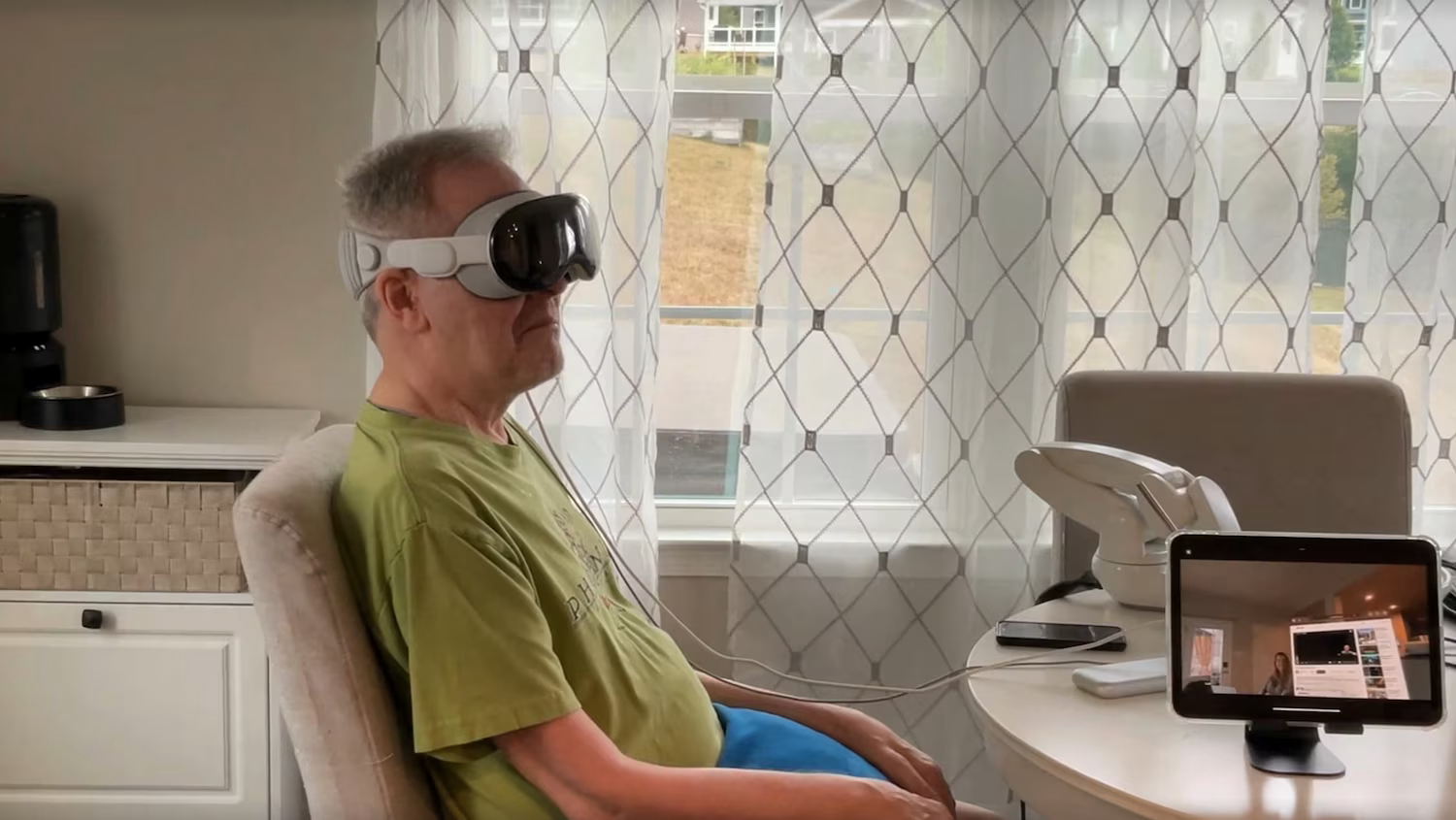
Apple's official BCI support: In May 2025, Apple announced a BCI HID protocol, officially recognizing brain signals as a native input method alongside touch and voice. Synchron's Stentrode implant became the first official partner device—a stent-based electrode inserted through the jugular vein to the surface of the brain's motor cortex, no open surgery required.
The groundwork was already there. In August 2024, ALS patient Mark Jackson used Stentrode to control a Vision Pro with thought alone, playing solitaire and sending messages. The May 2025 announcement elevated this from a research demo to an OS-level standard. Brain signals are now recognized as native input, just like a mouse or keyboard.
Invasive BCI will remain medical-only for the foreseeable future. For consumers, approaches like Meta's sEMG—reading muscles rather than the brain—are far more realistic. But BCI research matters because it asks the fundamental question about input: could directly transmitting intent, with no physical movement at all, be the ultimate direction for XR input?
4. The Future of XR Input: Two Paths

Coming back to the present: it's a sobering fact that no method yet outperforms a physical keyboard. But we can interpret this in two ways. Either reinvent text input itself, or reduce the need for text input altogether.
Path 1: Reinvent the input method
Paradoxically, the current chaos is an opportunity. There's no dominant standard for XR input yet. Approaches like TapXR's chording and EMG-based handwriting recognition are just taking their first steps toward "typing without a keyboard." And ironically, that's precisely because the keyboard—decades into its reign in the physical world—simply doesn't belong in virtual space.
This is why early-stage UX research matters so much in a new medium. What gestures feel natural in 3D space? Where does cognitive overload kick in? A hastily adopted standard could become XR's own QWERTY, locking us in for decades. That's fine if it's a good one. But what if it isn't?
Path 2: Reduce the need for input
AI autocompletion, context awareness, and voice-to-text synthesis are converging toward text generation without typing. The user expresses intent; the AI constructs the full sentence. Of course, there's an AI-flavored Midas Touch problem here too. AI tends to add things the user never intended, and can stubbornly insist on them.
Regardless, if this becomes the dominant mode, the human role shifts from creator to editor. You provide the intent; AI converts it into the appropriate input data; you refine it.
But that creates a whole new design challenge. Cursor navigation, word selection, revision interactions—these become first-class UX problems. Designing an interface for precise editing is an entirely different beast from designing for bulk text entry, one that would take several more columns of this length to properly explore.
Common ground: systems that adapt

Both paths share one clear lesson: aiming for perfect universal accuracy from day one is unrealistic.
Meta's sEMG team discovered something telling: accumulating even a small amount of personalized data improved handwriting recognition accuracy by 16%. Rather than chasing a one-size-fits-all solution, building systems that gradually adapt to each user is far more practical.
From this perspective, errors aren't failures, they're learning opportunities. Every time a user corrects a mistake, the system better understands their input patterns. The key is making that correction process feel effortless. The smoother the error correction, the more users will correct, and the faster the system adapts.
Conclusion
Some people say, "You get used to it." But true technological breakthroughs don't ask users to adapt. The mouse, the touchscreen, the smartphone keyboard—they succeeded because they melted into human behavior as it already existed.
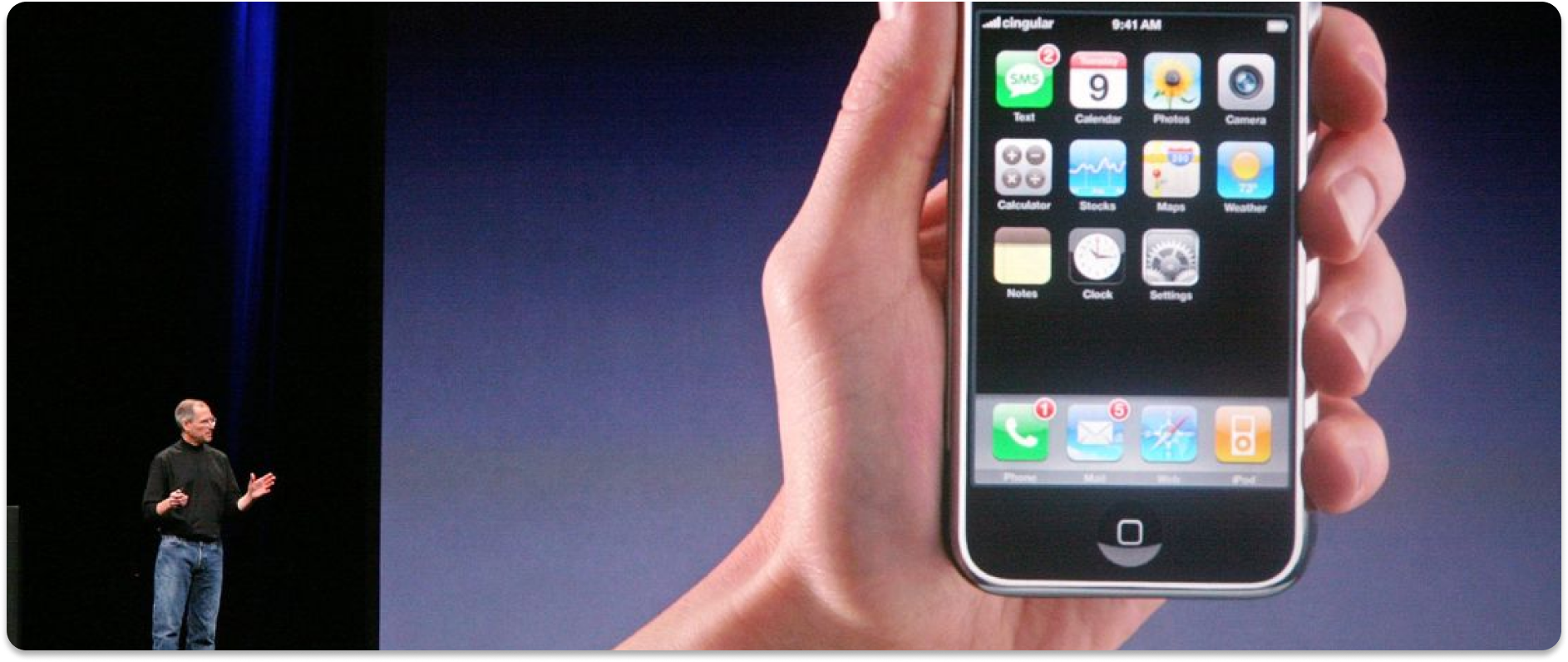
Expanding output to 3D while leaving input stuck in 2D is only half a revolution. If you had to connect a physical keyboard to use a touchscreen smartphone, would the iPhone have changed the world?
The question running through this entire piece has always been about text. Barely hitting 20 WPM on a floating keyboard. Pulling off the headset to grab your phone. Plugging in a Bluetooth keyboard. Every one of these "solutions" is evidence that XR hasn't solved the text input problem.
But maybe the answer isn't "a better virtual keyboard." In a future where EMG translates finger movements into keystrokes, AI generates full sentences from a few-word hint, and BCI reads intent directly—the very concept of typing will be redefined. Text won't disappear, but the way we create it could change completely.
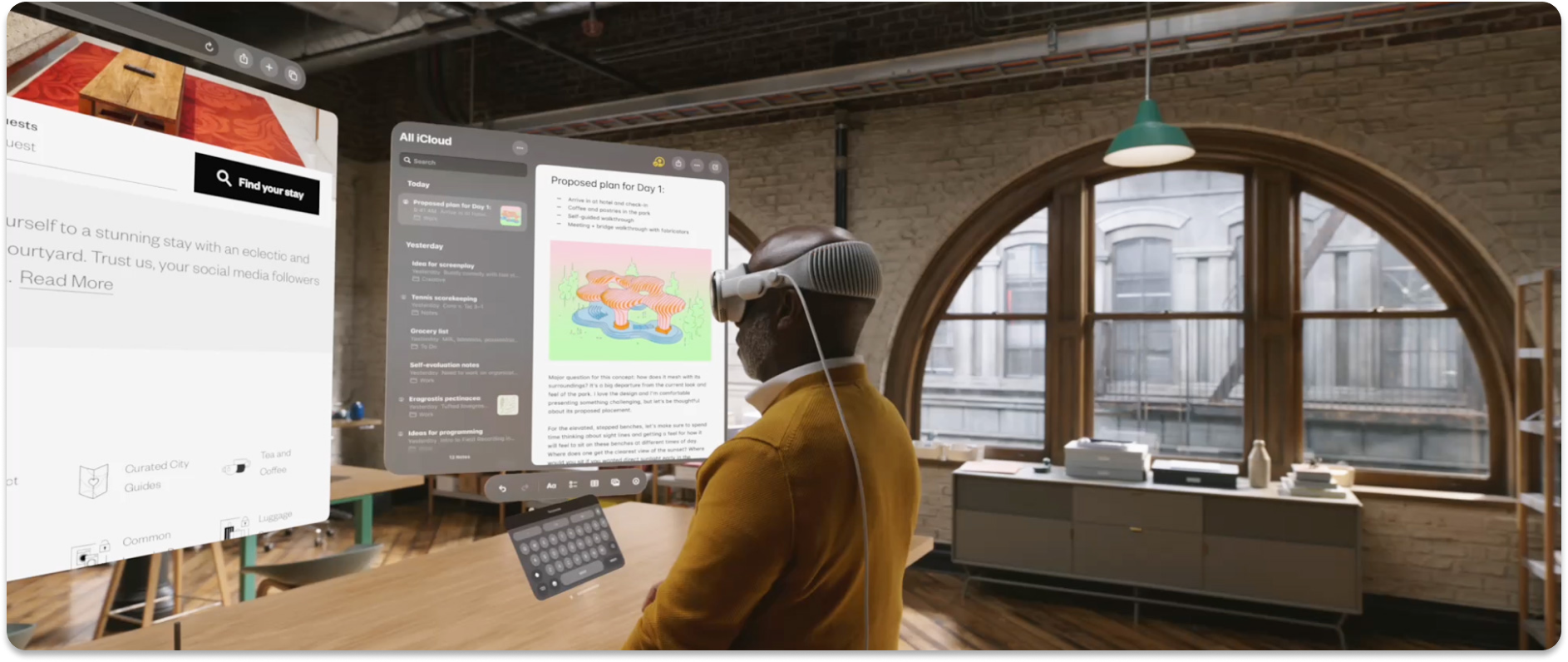
XR's output is already impressively capable. The bottleneck is input. No matter how far output expands, if input isn't solved, XR will forever remain a big monitor strapped to your face. And at the heart of the input problem is the fact that we're still trying to turn thoughts into text the same way we have since the typewriter—150 years ago.
Here's the question I want to leave you with: in a 3D world, how would humans want to write?
References
- Bhatia, A. et al. (2025), "Text Entry for XR Trove (TEXT): Collecting and Analyzing Techniques for Text Input in XR," CHI 2025. https://xrtexttrove.github.io
- Engelbart, D. C. & English, W. K. (1968), "A Research Center for Augmenting Human Intellect," AFIPS Fall Joint Computer Conference.
- Kaifosh, P., Reardon, T. R. et al. (2025), "A generic non-invasive neuromotor interface for human-computer interaction," Nature.
- Kekatos, M. (2024, August 2), "How Apple's Vision Pro is helping this ALS patient to perform simple tasks," ABC News. https://abcnews.go.com/Health/apples-vision-pro-helping-als-patient-perform-simple/story?id=112433752
- Master & Dynamic & Neurable (2024), "MW75 Neuro," CES 2024 Innovation Award Honoree. https://www.ces.tech/ces-innovation-awards/2024/mw75-neuro/
- Meta (2025, September 17), "Meta Ray-Ban Display: AI Glasses With an EMG Wristband," Meta Newsroom. https://about.fb.com/news/2025/09/meta-ray-ban-display-ai-glasses-emg-wristband
- OpenBCI (2023), "Combining VR and Neurotechnology with OpenBCI's Galea," Varjo. https://varjo.com/vr-lab/combining-vr-and-neurotechnology-with-openbcis-galea
- Synchron (2025, May 13), "Synchron To Achieve First Native Brain-Computer Interface Integration with iPhone, iPad and Apple Vision Pro," Business Wire. https://www.businesswire.com/news/home/20250513927084/en
- Tap Systems Inc., "TapXR," Product Page. https://www.tapwithus.com