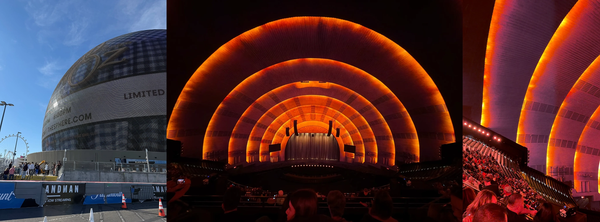
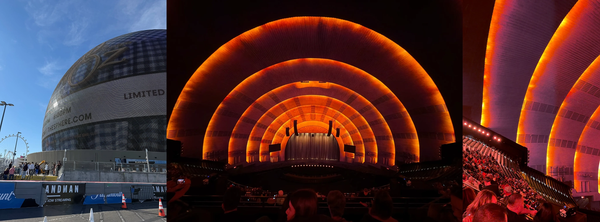
Meta Ray-Ban Display Glasses Review
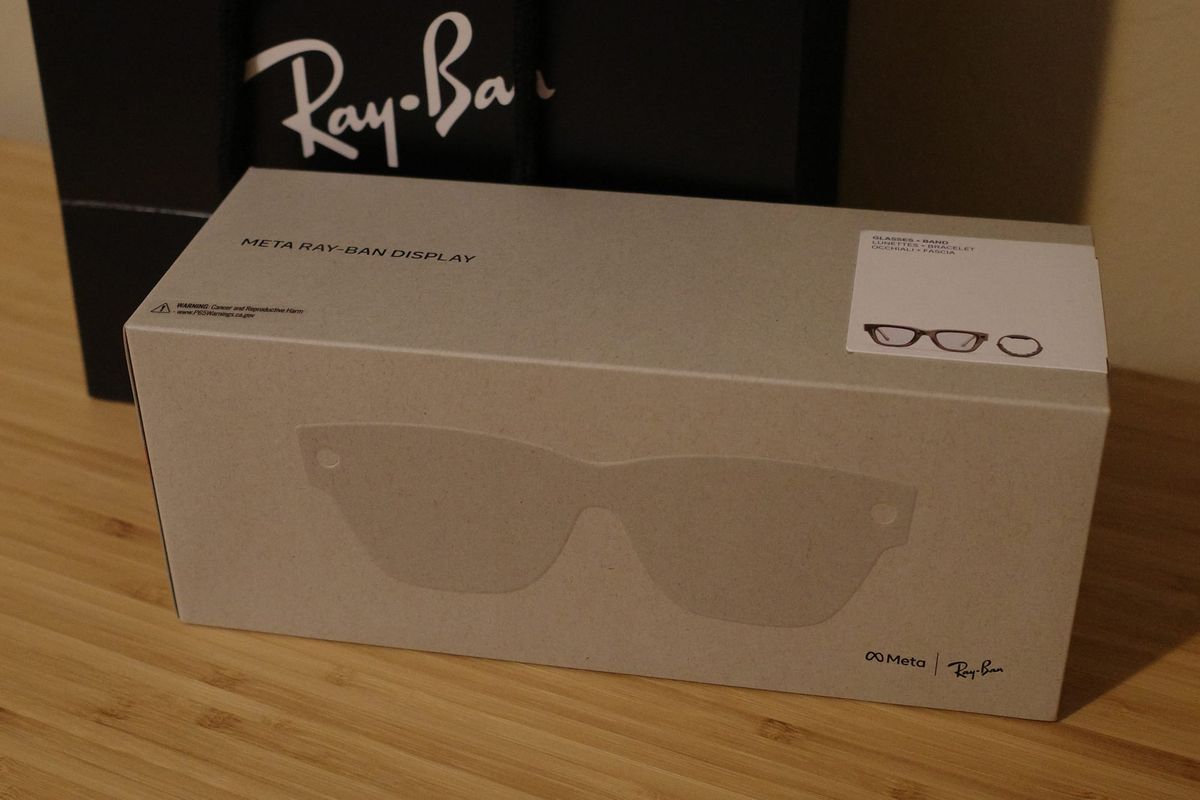
2025/10/7 — I Bought the Meta Ray-Ban Display Glasses
I watched Meta Connect a few weeks ago and jumped onto the site to pre-order. Turns out they’re in-store only—you have to book a demo to buy them.
Because this product feels like a meaningful shot at commercializing AR glasses, I decided to buy first and worry about quality/usability later. I wanted to try them at a Meta Lab, but reservations were already full, so I booked a slot at a nearby Ray-Ban store instead.

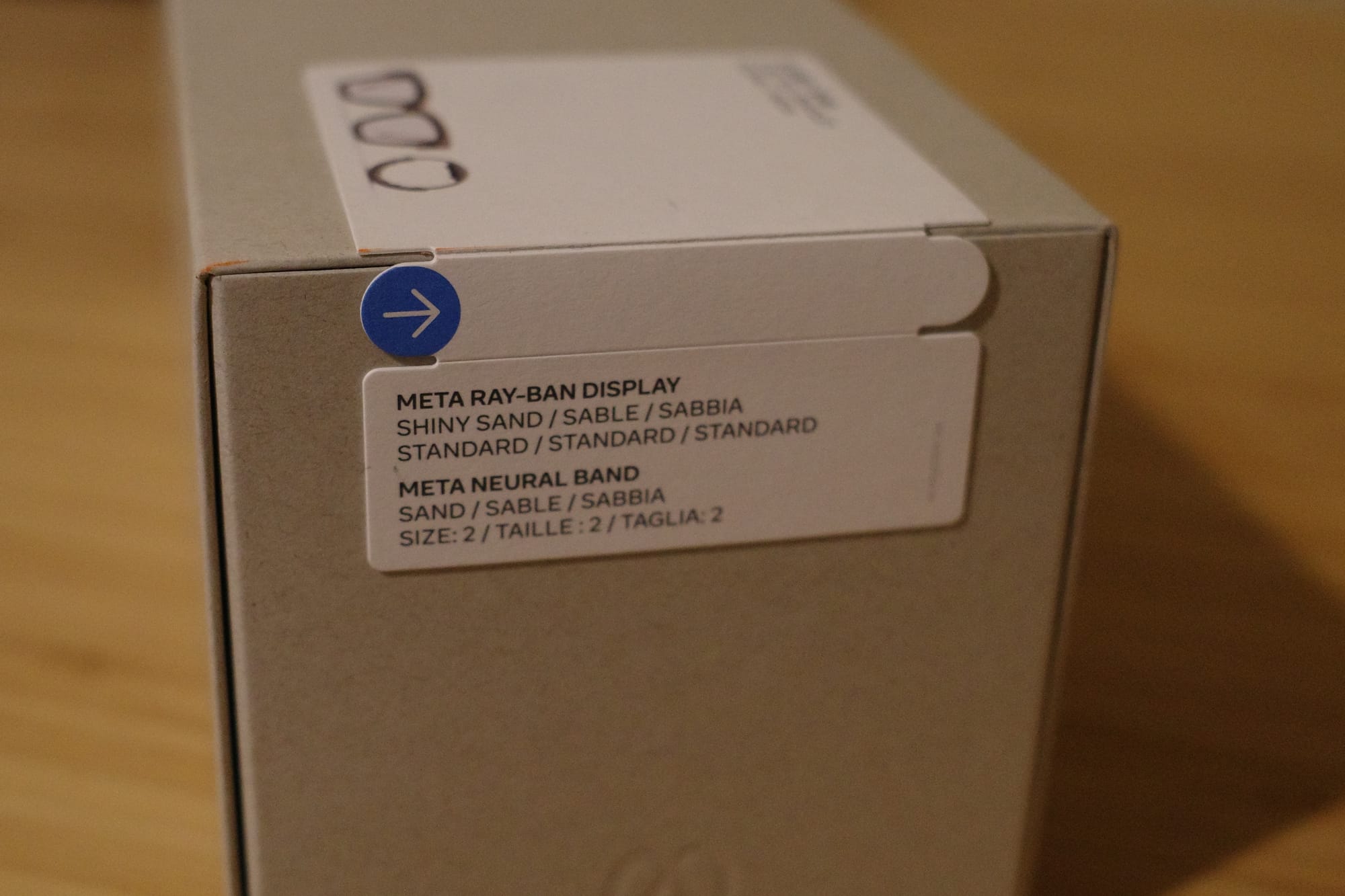
- Color: Sand
- Band size: 2
- Frame sizes available: 48, 51 — I chose 48
First Impressions at the Store
I arrived a bit before my appointment after work. I told them I was here for the Meta AI glasses demo and they seated me right away.
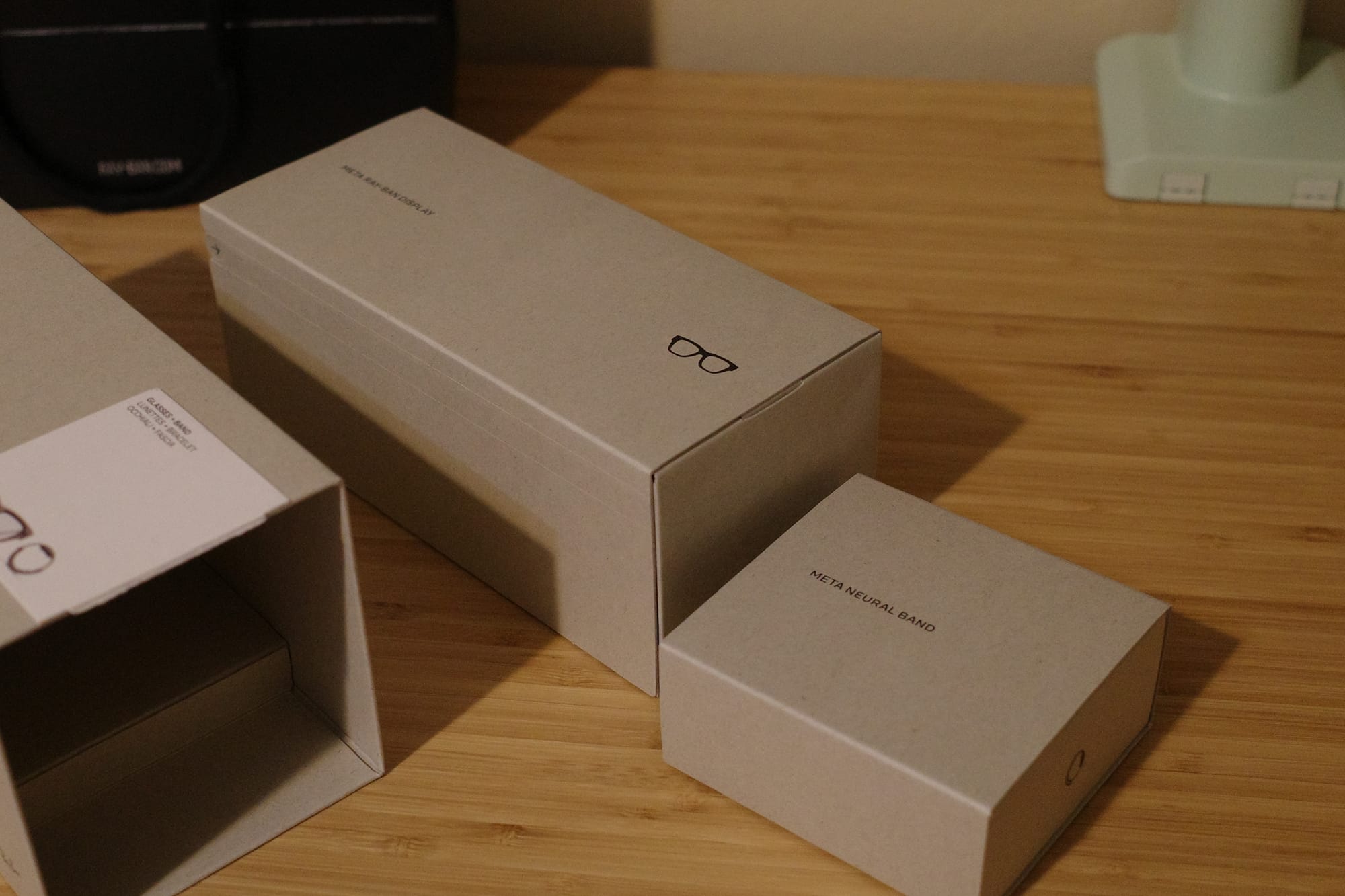
In the box: Meta Ray-Ban Display + Meta Neural Band
Setup was rough. For something that requires an in-person demo, the experience felt undercooked. Either the demo flow wasn’t designed with customer experience in mind or the store staff hadn’t been trained enough.
To be fair ...
- This is a Ray-Ban store, not a meta store; staff are used to glasses/sunglasses.
- It’s a brand-new product, so they’re still getting used to it.
The staff really tried, and I appreciated that. But for a $799 device that is meant to (I assume) signal Meta’s vision for the future, the demo experience was disappointing. I’m sure a Meta-run lab would feel different. From a brand perspective, better end-to-end quality control of the demo would help a lot.
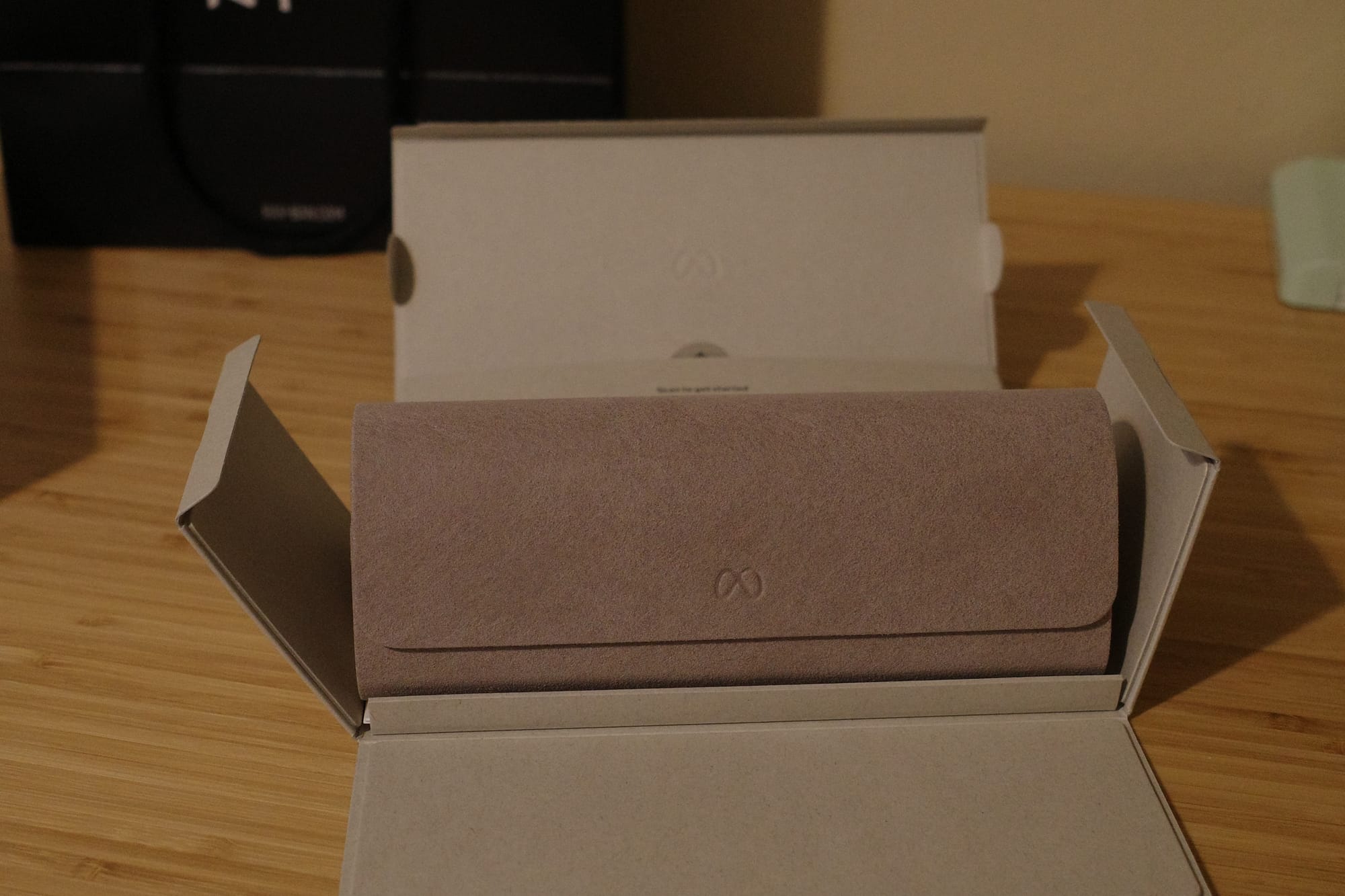
Some issues I faced
- Network issues: The mall Wi-Fi barely worked. The staff ended up tethering to the phone hotspot, which kept dropping. It took multiple attempts to connect, and disconnected during the demo.
- Pairing chaos: There were 3 sunglasses and 2 bands on the table, and pairing was a mess. I’d already put on the glasses and band after sizing, but they asked me to take them off again to pair. The band wouldn’t connect for about 10 minutes. I tapped the thing dozens of times before giving up and tested via voice and touch on the glasses only. Turned out the test phone was paired to the wrong band. Once we switched bands in the app, it worked.
- Unkillable tutorial: We started the tutorial, but the first staffer’s shift ended, so another staffer took over with verbal instructions. I tried to follow voice commands, but the tutorial kept acting like it hadn’t finished. I took off the glasses and band again, handed them back, and the staffer force-closed the tutorial.
- No demo flow: They taught gestures first, then asked which features I wanted to see. Since I’d watched demo videos already, I asked for specific features like live captions, translation, photos, and maps. But I was only there because the demo is required to purchase—an end-to-end walkthrough of core capabilities would be better.
On the plus side, their explanations of gestures and features were clear. When I opened translation, it was set to French instead of Spanish by default, which flustered the staffer. She still tossed out a “Bonjour, comment ça va?”—apparently the only French she knew—which was nice of her. The translation feature itself worked fine for the one sentence!
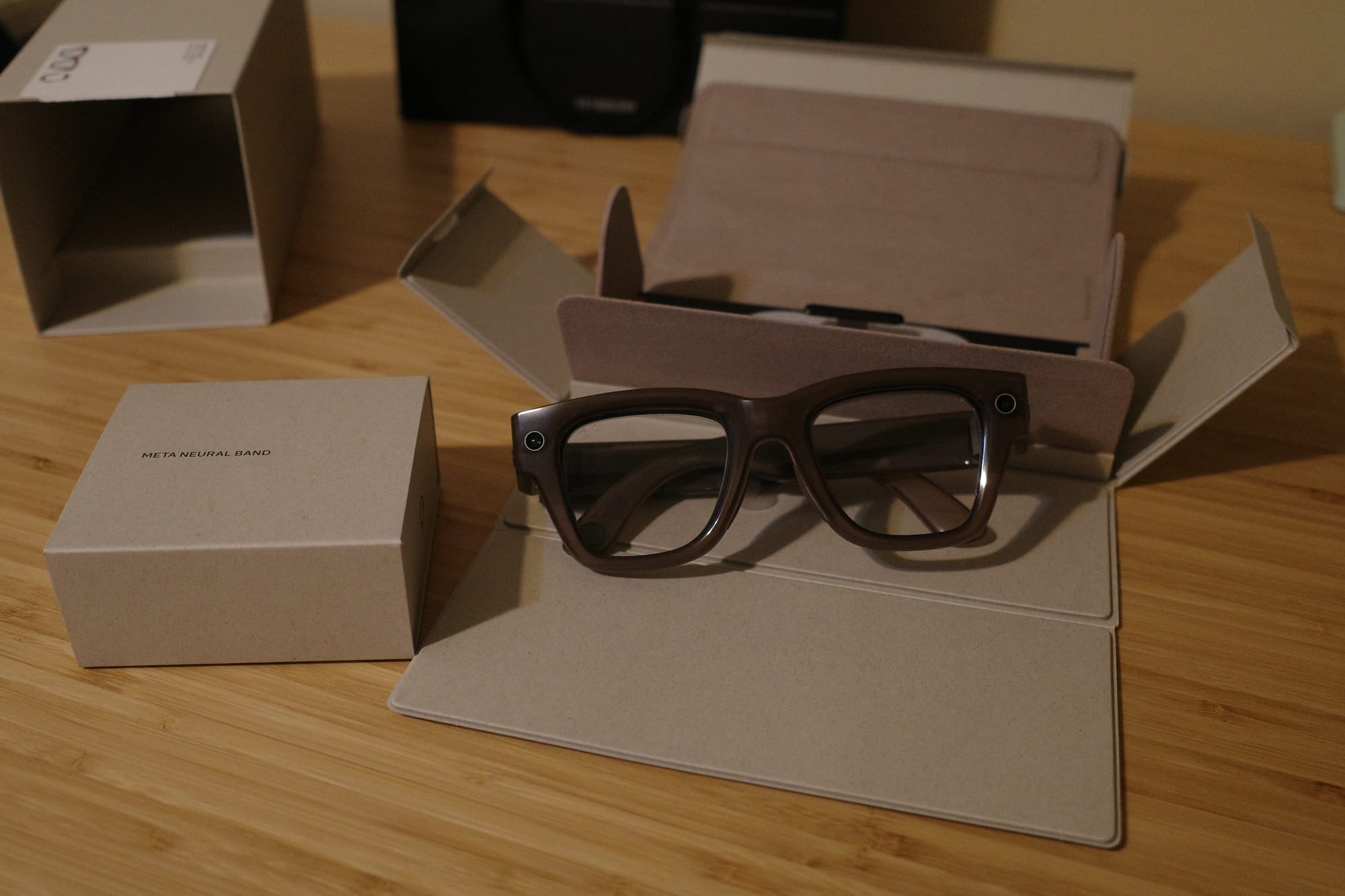
Design
The design is on the chunky side—thick enough that it’s a stretch as a fashion accessory. This is a raw first-impressions review. I haven’t used them much yet and haven’t dug into the tech.
What I Liked
- The bottom-right display felt natural surprisingly fast. I could chat with the staff while glancing at the display without it feeling weird.
- The left/right scroll gesture is novel.
- I did sometimes get confused about which direction to swipe (might just be me—I invert my trackpad scrolling).
- Starting navigation via voice (“nearby cafes/restaurants,” etc.) felt intuitive.
- The “describe what I’m seeing” AI feature was fun and seems potentially useful.
- I still need to gauge the response speed and intelligence across more scenarios.
Side note: A lot of info you ask AI for is the kind you want to save. I really felt the lack of integration with Apple first-party apps (Notes, Calendar, Reminders). Today’s wearables are (still) companions to the phone; stronger phone integration seems essential for mass adoption. After that, hardware can evolve toward a true standalone smart device.
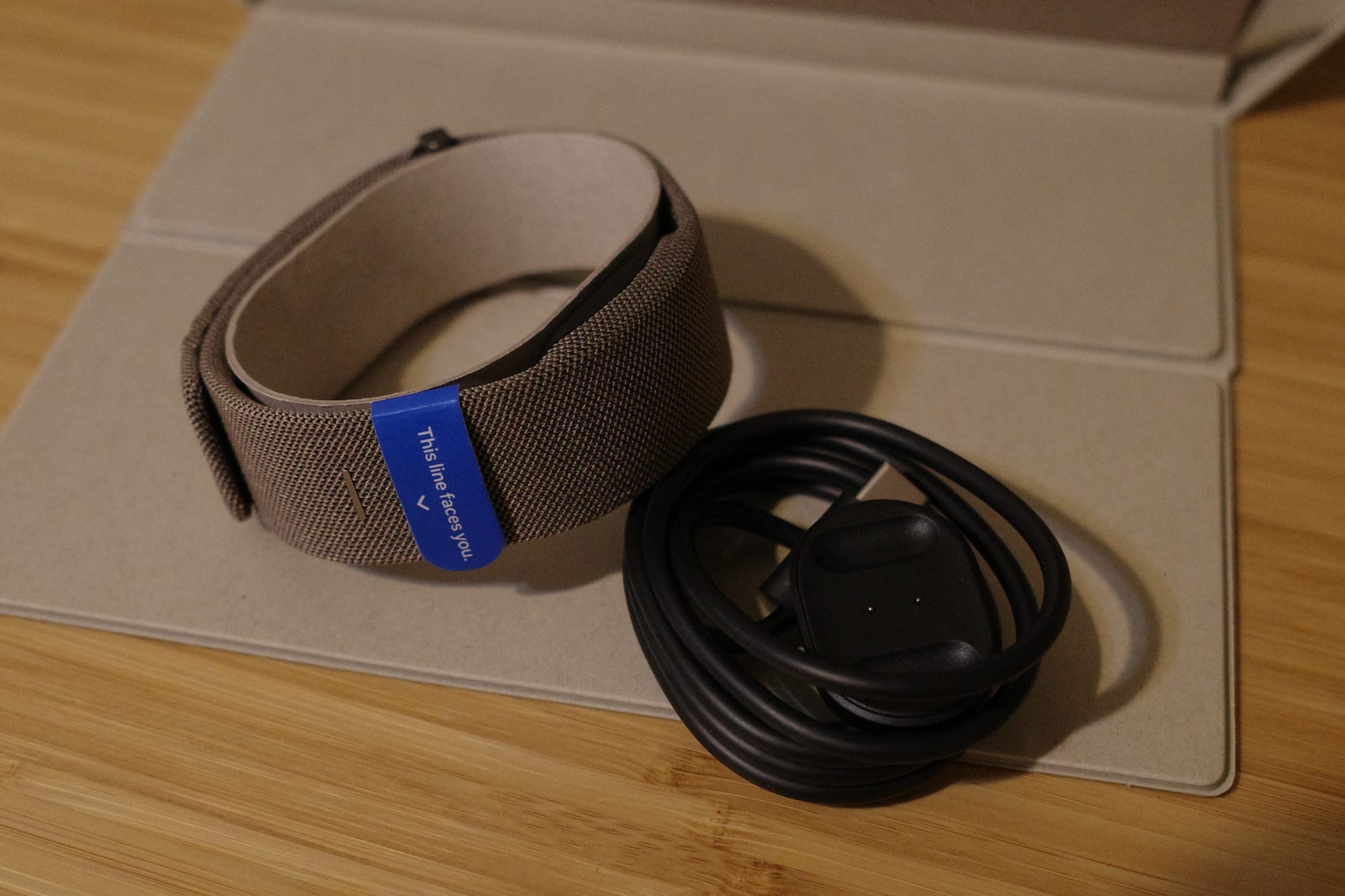
What Bugged Me
- Boot time is slow; you also need to power on the band separately.
- Scroll gestures: Vision Pro’s pinch + hand-move gesture feels more intuitive to me.
- Maps UI for turn-by-turn was confusing at times—but to be fair, regular map apps also fail at orientation sometimes. An AR directional arrow overlay might be more intuitive.
Cool Bits
They said live captions show the speech of the person you’re looking at. As an example, at a concert where it’s hard to hear, captions would appear for the person you’re facing. That makes me wonder: are they fusing audio + image (lip-reading)?
What I’m Curious About
- In the Instagram app, only DMs work for now. How will creation and consumption of content be implemented on-glasses?
- I really wanted to test handwritten input recognition, but couldn’t figure out how. Need to look it up.
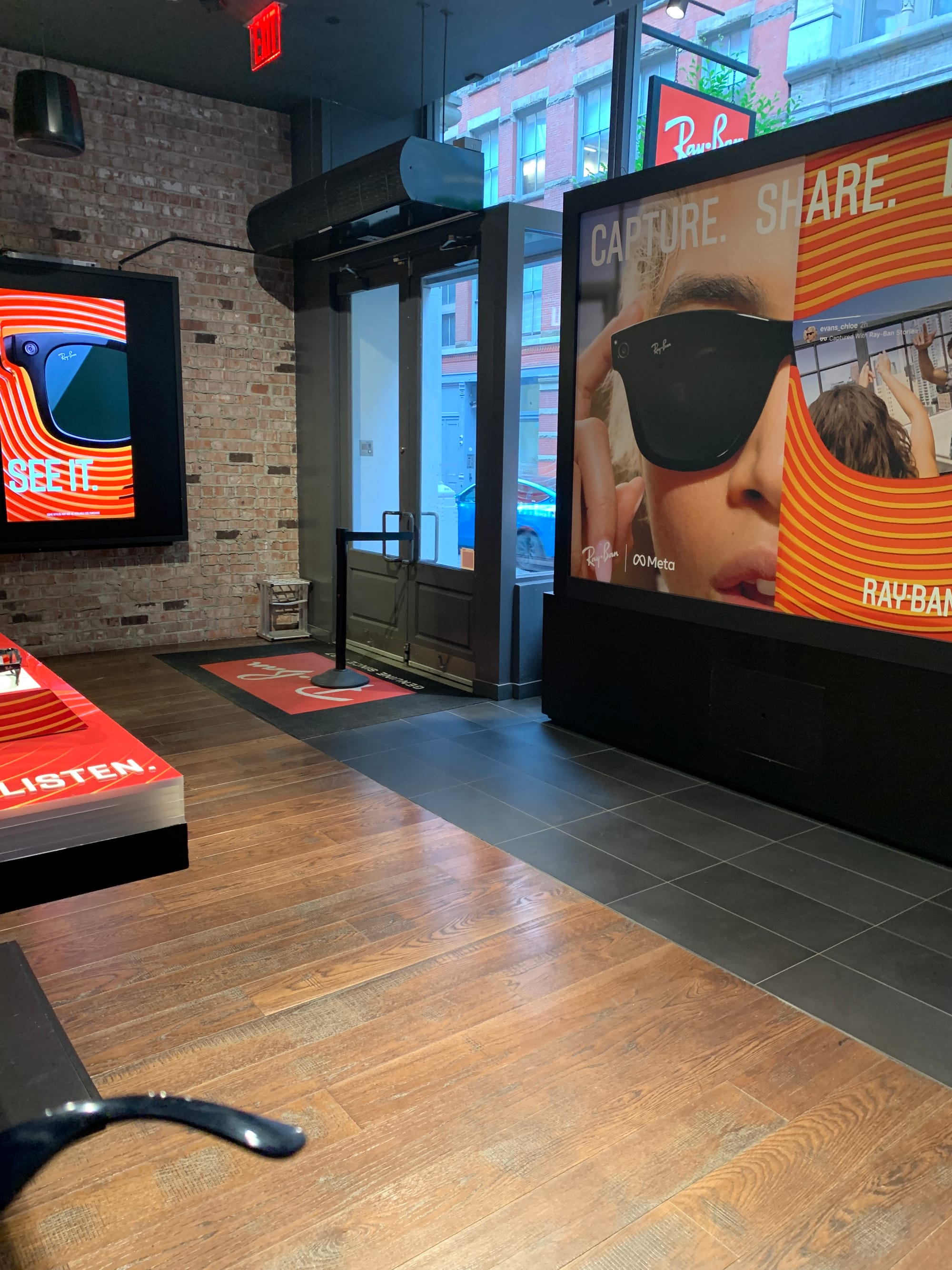
Throwback — 3 Years Ago in NYC SoHo
In July 2022, I bought the first Ray-Ban × Meta sunglasses—probably the Wayfarer—with a camera, mic, and speakers. Because the design was identical to classic Ray-Bans, they looked great.
I used them immediately on a trip—shot photos and videos while running without pulling out my phone, and even recorded while riding a scooter. I hadn’t thought much about it, but during my exchange program people asked if you could record others without them noticing, raising privacy concerns. There is an indicator light, but that conversation made me more conscious of the optics.
I also don’t wear sunglasses much. After the first month of novelty, I stopped charging them, and they’ve been dead for three years. Now they’re basically just car sunglasses with the smart features ignored.
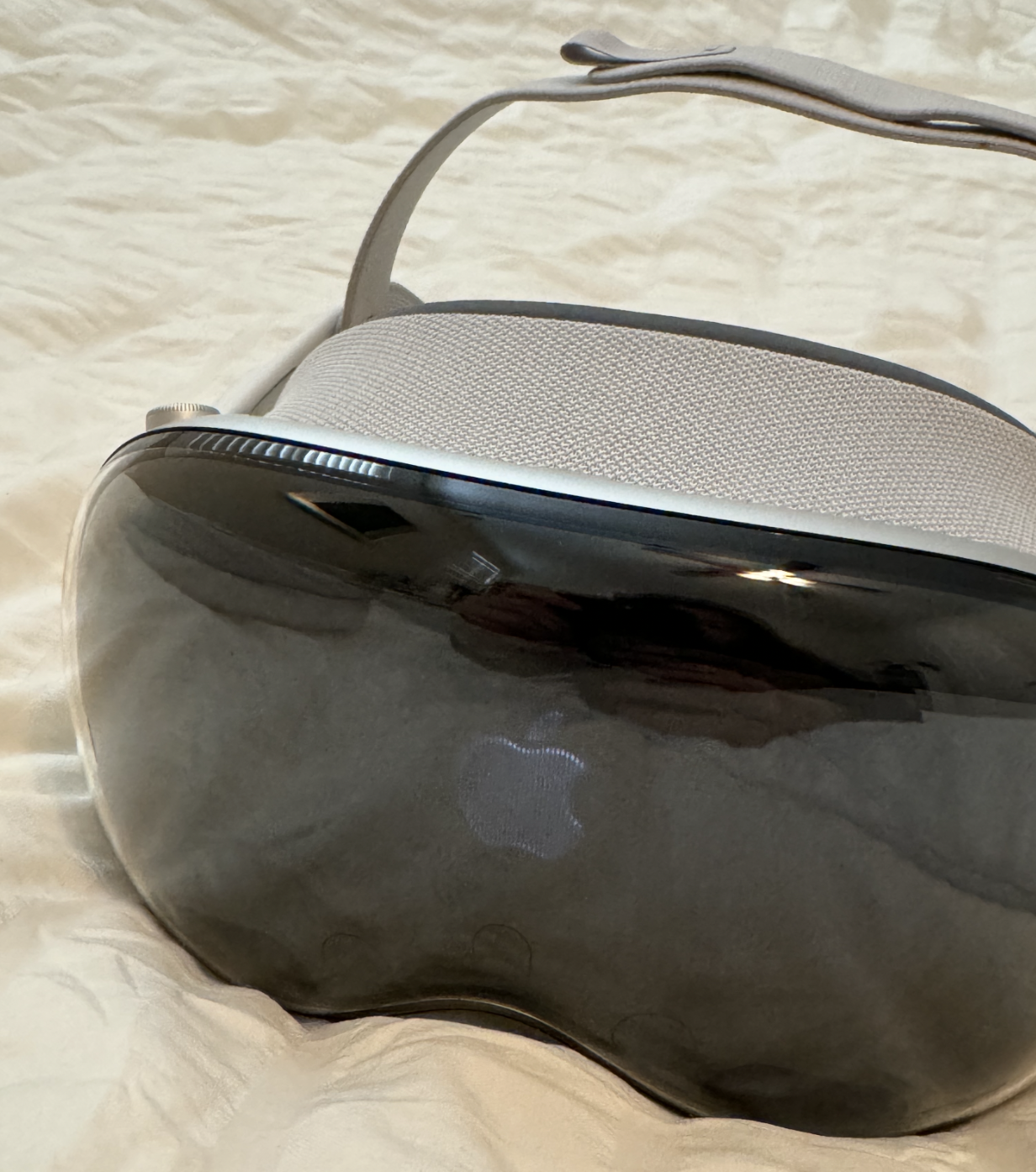
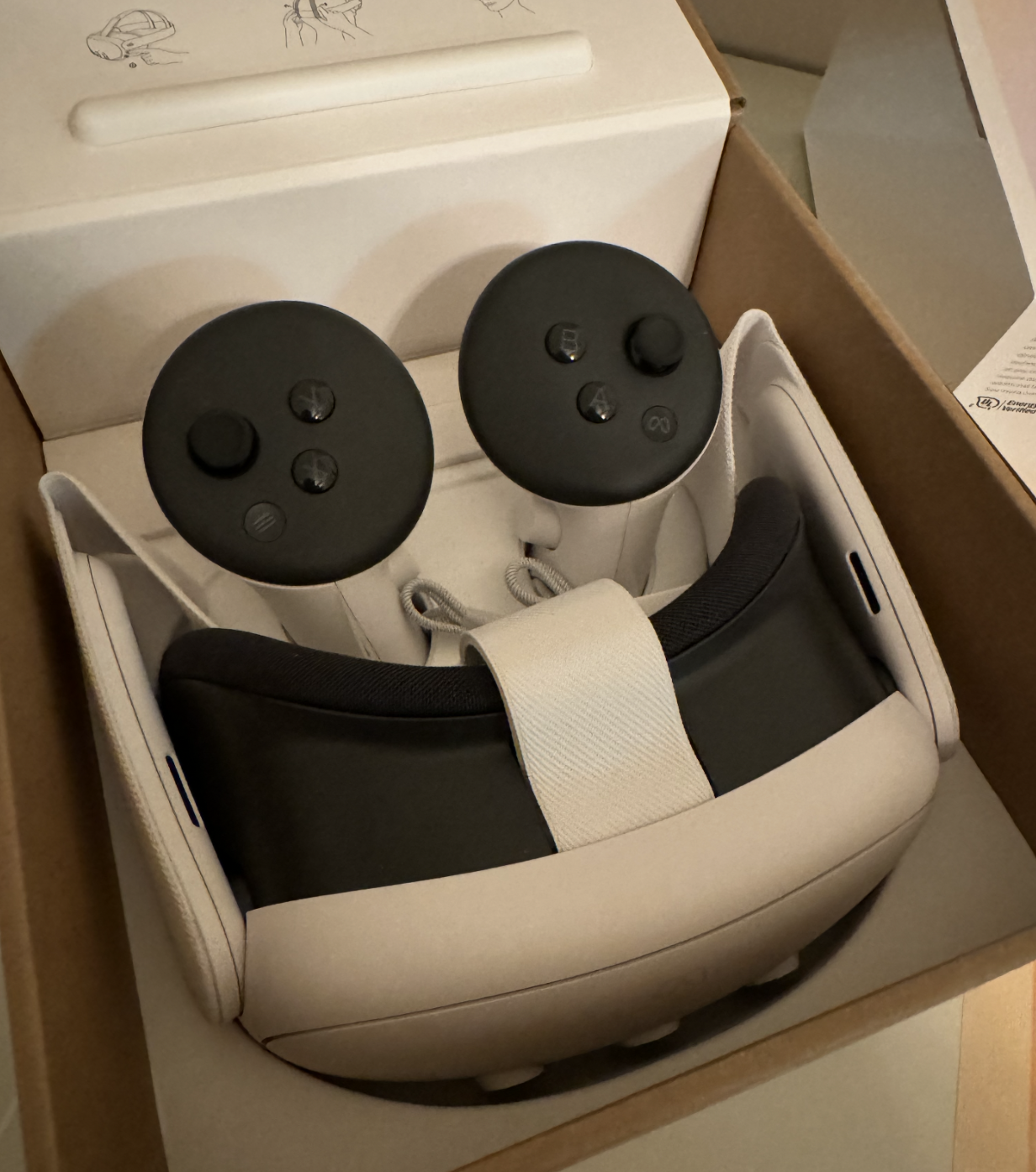
Vision Pro and Quest 3
Same story: early excitement, then they sit. Even with expensive, technically impressive devices, a few months later I stop reaching for them.
At first I blamed wearable friction/limits. Then I looked at my iPad Pro, which I also shelve after a while, and realized: for me, they’re nice-to-have devices. I only use them when nothing else will do.
- Vision Pro: when I’m working on a Vision Pro side project
- Quest: when I’m building a Unity VR side project
- iPad: for reading (phone is too small), digital sketching, or when I want to edit video
If I were a heavy video editor or a student who takes lots of notes and reads a ton, I’d probably get great value from the iPad. Quests seem to get regular use mainly for games.
“Well-made tech” and “fun gadget” aren’t reasons you’ll use something every day. The first month or two is playtime; integrating into daily life is a different problem. A device that a user doesn’t need might get used once a month at best. Many people I know who bought Vision Pro with their own money feel the same. It’s hard to force usage when there isn’t a clear need.
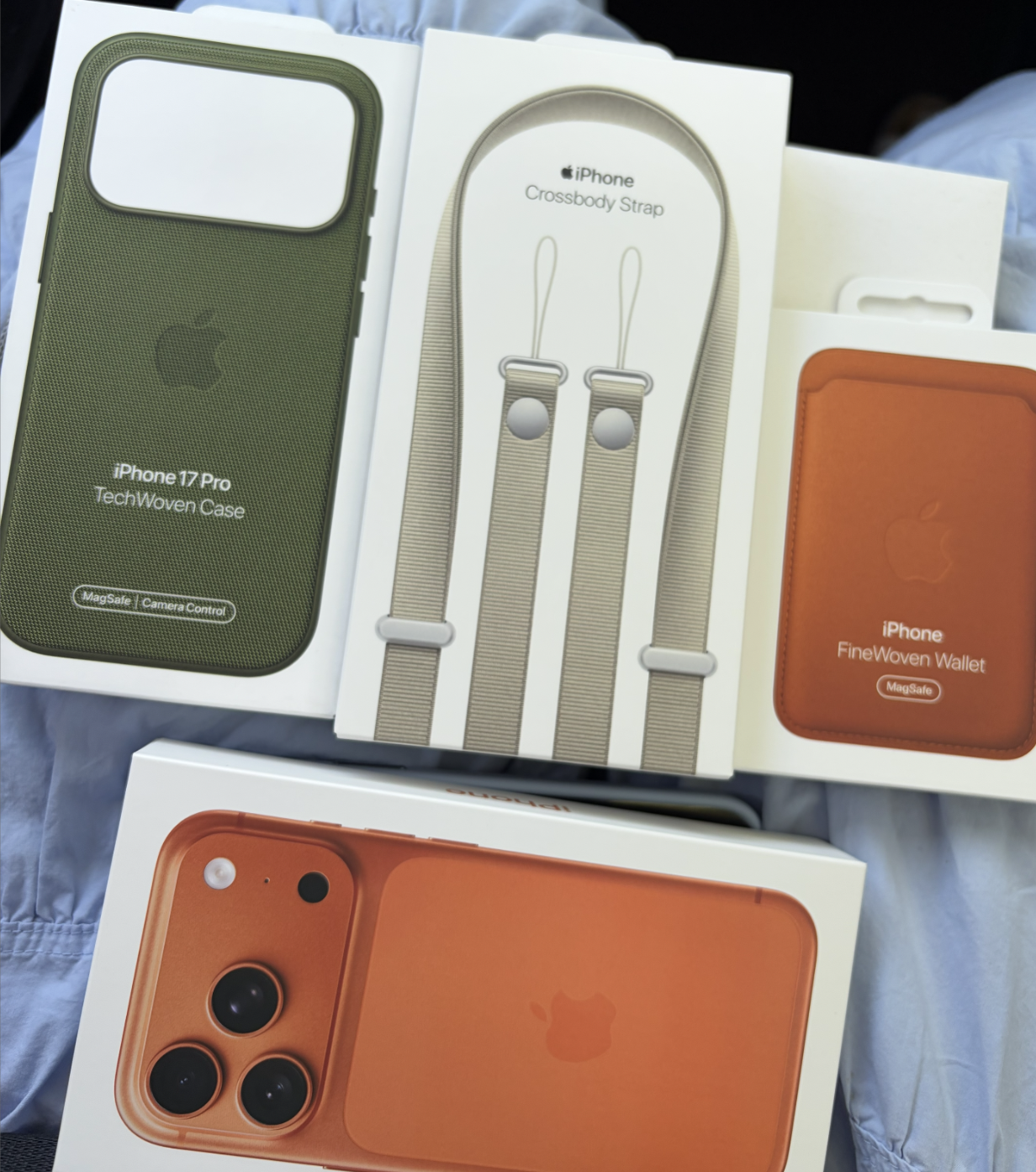
Where We’re Headed
The slab smartphone won’t last forever. Many companies are betting on smart glasses as the next platform. I also think, among conceivable standalone smart devices, glasses are the strongest candidate.
But wearables invade the body’s personal space. I wear a watch daily and still find it uncomfortable sometimes—but I tolerate it for workouts and ring/health tracking. Glasses affect vision, a primary sense, so the resistance is stronger.
If smart glasses are something you put on and take off repeatedly, how is that different from picking up and putting down a phone slab? If glasses replicate all smartphone functions, would we actually switch?
And what about the things people obsess over on phones—refresh rate, brightness, heat, battery?
I’m very curious what the next device will be—the one that’s necessary and delivers new value. I want to help find and build that post-smartphone product.
Wrapping Up (for now)
This turned into more of a ramble than a purchase review. I need more time with this device to do a proper feature deep-dive and tests.